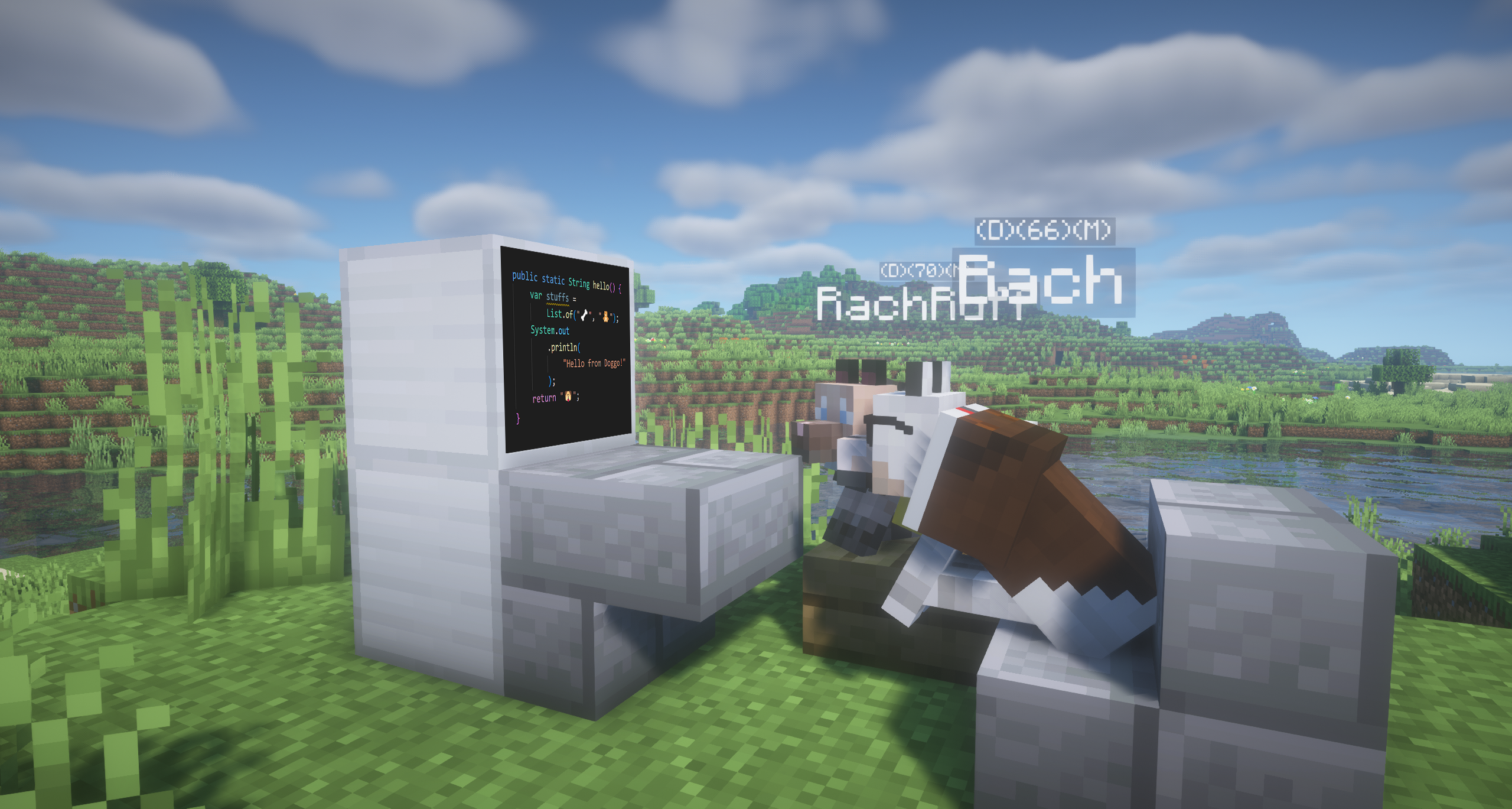
This is arguably the most preferred way of extending the mod asset without modifying its code. You can use this to add various things to further customize it to your liking.
By using resource packs, you have the ability to encapsulate your work and dynamically add it to the game without even restarting Minecraft! You can even share your work if you want!
However, this is only limited to Textures, for alterations to the models (eg. Adding/Removing cubes), use Addons instead!
Difficulty: 🦴
Required Software:
- File Explorer.
- A Text Editor (Notepad or VS Code).
Required Knowledge:
- Basic computer knowledge (Making folders + Zipping files).
- Basic JSON editing.
Example:
Initialization
- Step 1: Create a folder with the resource pack name.
- Step 2: Add a text file renamed to
pack.mcmeta. Copy, paste this and modify it to your liking.
{
  "pack": {
    "pack_format": 41,
    "description": "DTN_Whatever_name_you_want"
  }
}
"pack_format": 15, if you're using 1.20-1.20.1
- Step 2.1: Add a thumbnail for your resource pack. (Optional)
- Requirements:
- Use a 1:1 ratio image.
- Name:
pack.png - File Extension:
.png
- Requirements:
You can use any image editing software (Paint.NET, MSPaint, Photoshop, etc.)
Folder Content
- Step 3: Create a folder tree exactly like this:
assets/
└── doggytalents/
    └── textures/
        └── entity/
            └── dog/
- Step 4: Within the
dogfolder, create:- A text file
skin.json - A folder named
custom- In this folder, dump your textures.
- For consistency, use the naming scheme:
authorsname_texturesname(e.g.,mashxp_akita_inu) - Note: No spaces allowed.
- Texture size: 64x32 px
- A text file
{
    "dog_skins" : [
        {
            "skin_name" : "Akita Inu",
            "skin_id" : "mashxp_akita_inu",
            "use_model" : "default",
            "author" : "MashXP",
            "tags": "nihonken",
            "based_on": "Hachiko - A very famous Nihonken",
            "mystery": true
        },
        {
            "skin_name" : "Hope",
            "skin_id" : "mashxp_hope",
            "use_model" : "hope",
            "author" : "MashXP",
            "tags": "seed of life",
            "based_on": "Hope - Seed of Life",
            "mystery": true
        },
        {
            "skin_name" : "Pochita",
            "skin_id" : "mashxp_pochita",
            "use_model" : "default",
            "author" : "MashXP",
            "tags": "anime",
            "based_on": "Pochita - Chainsaw Man"    <-- Keep in mind the last entry should not have a comma ','
        }
    ]
}
Finalization and Testing
- Step 5: Zip the resource pack (
.zipextension). - Step 6: Locate the Resource Pack via Minecraft's Options.
- Step 7: Paste the zipped file in the Resource Pack Folder (or drag and drop it in). Enable the Resource Pack.
After this, you should see your skins in the Skin tab.
I hope you find this guide helpful! Feel free to ask any questions.
Good luck!!! がんばってね〜!(。•̀ᴗ-)✧